반응형
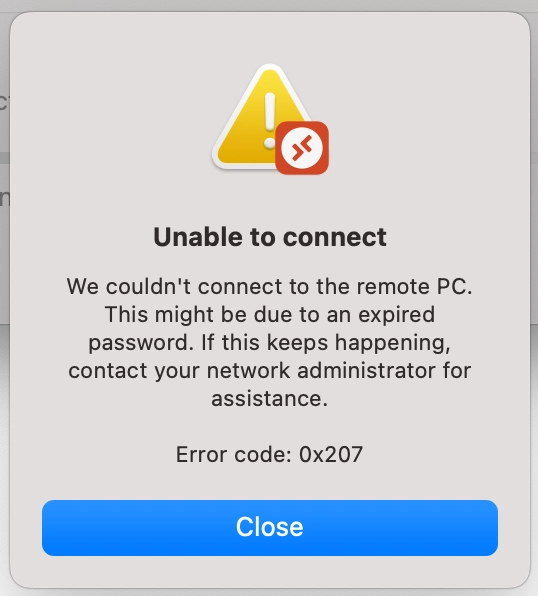
If you're like me and were staring at this error popup then allow me to share what worked for me:
Prerequisite
You should've already enabled Remote Login in Ubuntu 24's settings with a username and password
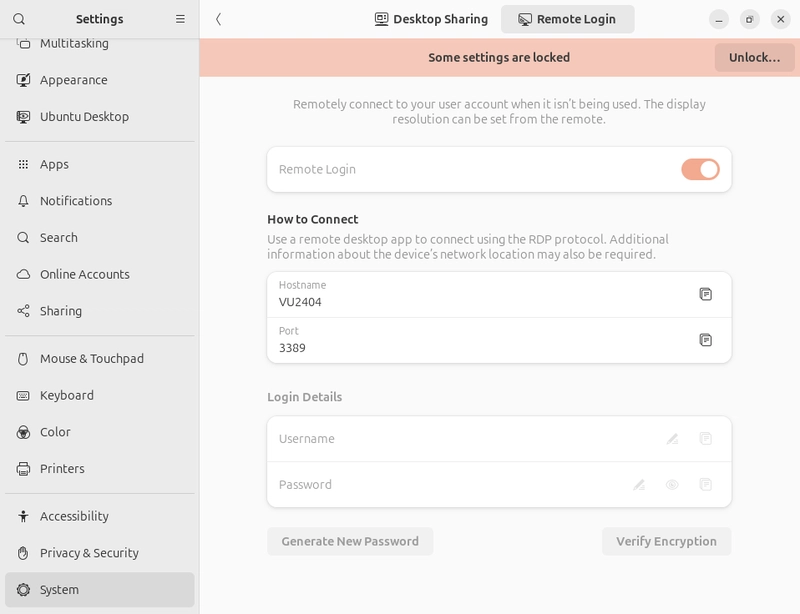
It doesn't have to be a real user on device, just a username and password for RDP authentication purposes
Steps
You've likely already done this first step but if you haven't
- 'Add PC' in Microsoft Remote Desktop App for Mac with all changes that you'd like.

- Export the config to a location of your choosing

- Open the RDP config file with any text editor
- Edit the line that states:
use redirection server name:i:0 #before
use redirection server name:i:1 #after
* Note: the last 0 has to be changed to a 1
- Save file and open the RDP connection from this newly edited/saved file directly (Either by double-clicking or by dragging in the config to Microsoft Remote Desktop App)
That's it.
Hope it helped!
https://dev.to/emile1636/rdp-error-code-0x207-on-mac-for-ubuntu-24-d6d
반응형